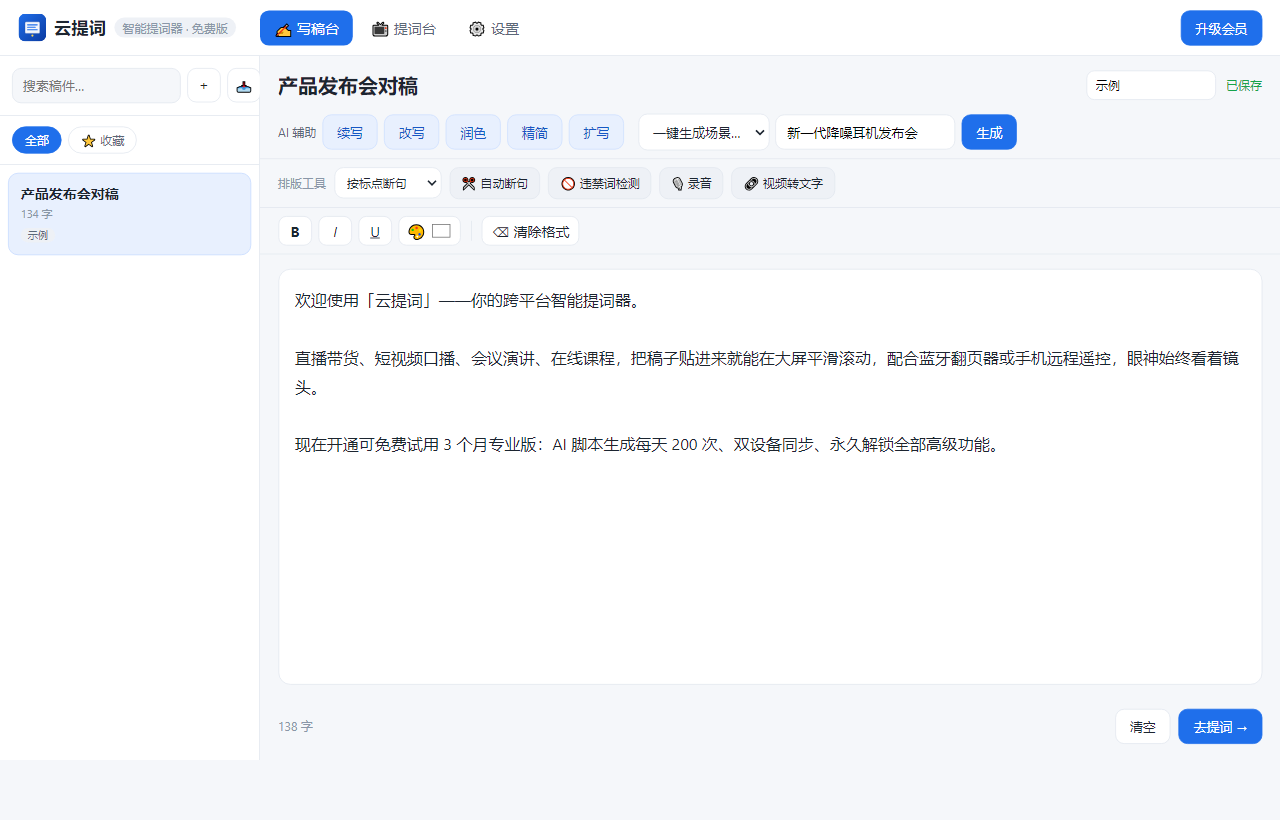
Livestream selling, short-video presenting, conference talks, online courses — paste your script, scroll it on the big screen, and control it with a Bluetooth remote or your phone. No stumbling.
Livestream selling, recording courses, speaking on stage — forgetting lines, drifting eyes and broken pacing all drain your on-camera presence.
Eight takes in and still stumbling on line three — time and energy both gone.
Looking down at your script then up at the camera — viewers can tell instantly. It reads as script-reading.
Write on your computer, film and stream on your phone — cross-device sync either means sending files over WeChat, or simply does not exist.
It is more than blowing up your script's font size — writing, generating, formatting, reading and control are each designed for production efficiency.
Give it a topic and it generates an opener, selling points and a closer in 5 seconds — plus continue, rewrite, polish, condense and expand in one click.
PWA web, Windows desktop and mobile — one script across all of them. Prompt wherever you are.
Huge type, high contrast, mirrored flip (for teleprompter glass) and speed-following scroll — your eyes stay on the camera.
A Bluetooth remote, an external keyboard or a second phone — any of them can be your remote, freeing your hands to focus on speaking.
Drag in txt / Markdown / Word / PDF / RTF — prohibited-word checks, sentence splitting and video-to-text in one go.
Install the PWA to your desktop or home screen and it works offline; the portable desktop exe runs straight from a USB drive.
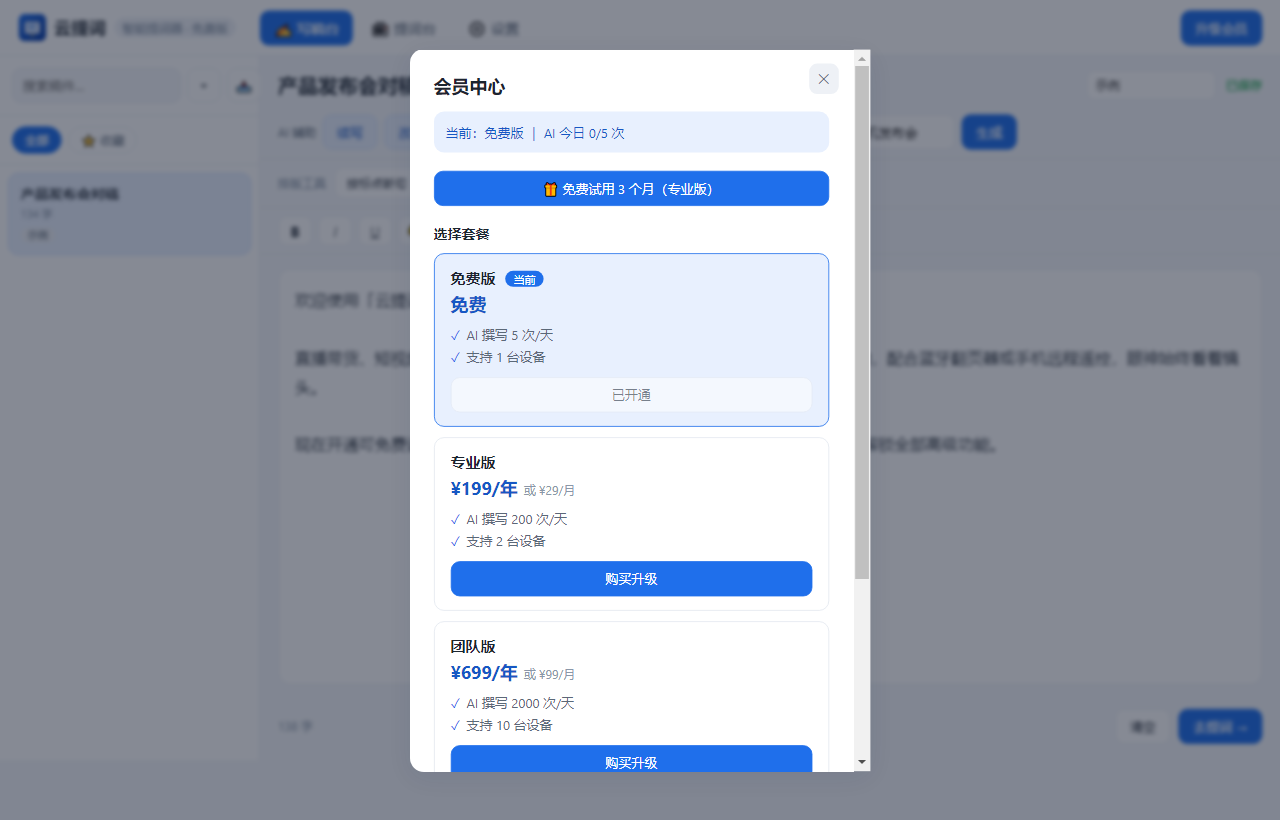
Not mockups — real screenshots of the running desktop app on Windows (captured from a live machine via CDP).


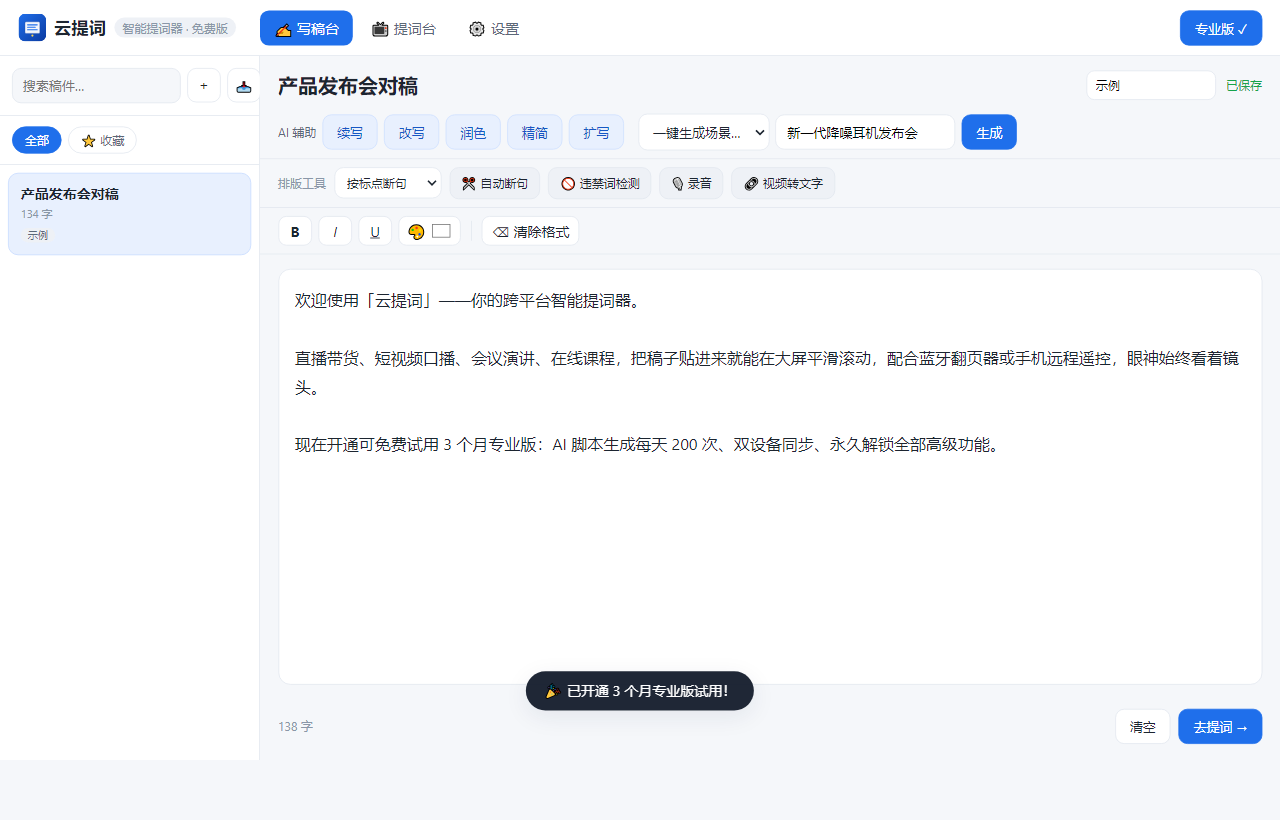
Start now and use the full 3 months of Pro — no card required, no prepayment. It reverts to the free tier automatically when the trial ends, so you decide based on real experience.
From download to prompting in 5 minutes.
The Windows portable build runs on double-click with no installation; on phones and tablets add the web app to your home screen for an app-like experience — no app store needed.
Don't want to install? Use the web app below. Once installed, tap "Upgrade" → "🎁 Free 3-month Pro trial" inside the app to unlock all premium features — no card required.
Paste a script or generate one from a single sentence → switch to the prompting screen → pair your Bluetooth remote and start recording, speaking or streaming.
Start a free 3-month Pro trial, or leave your requirements for procurement, the Team Edition or custom deployment — we will get back to you shortly.